
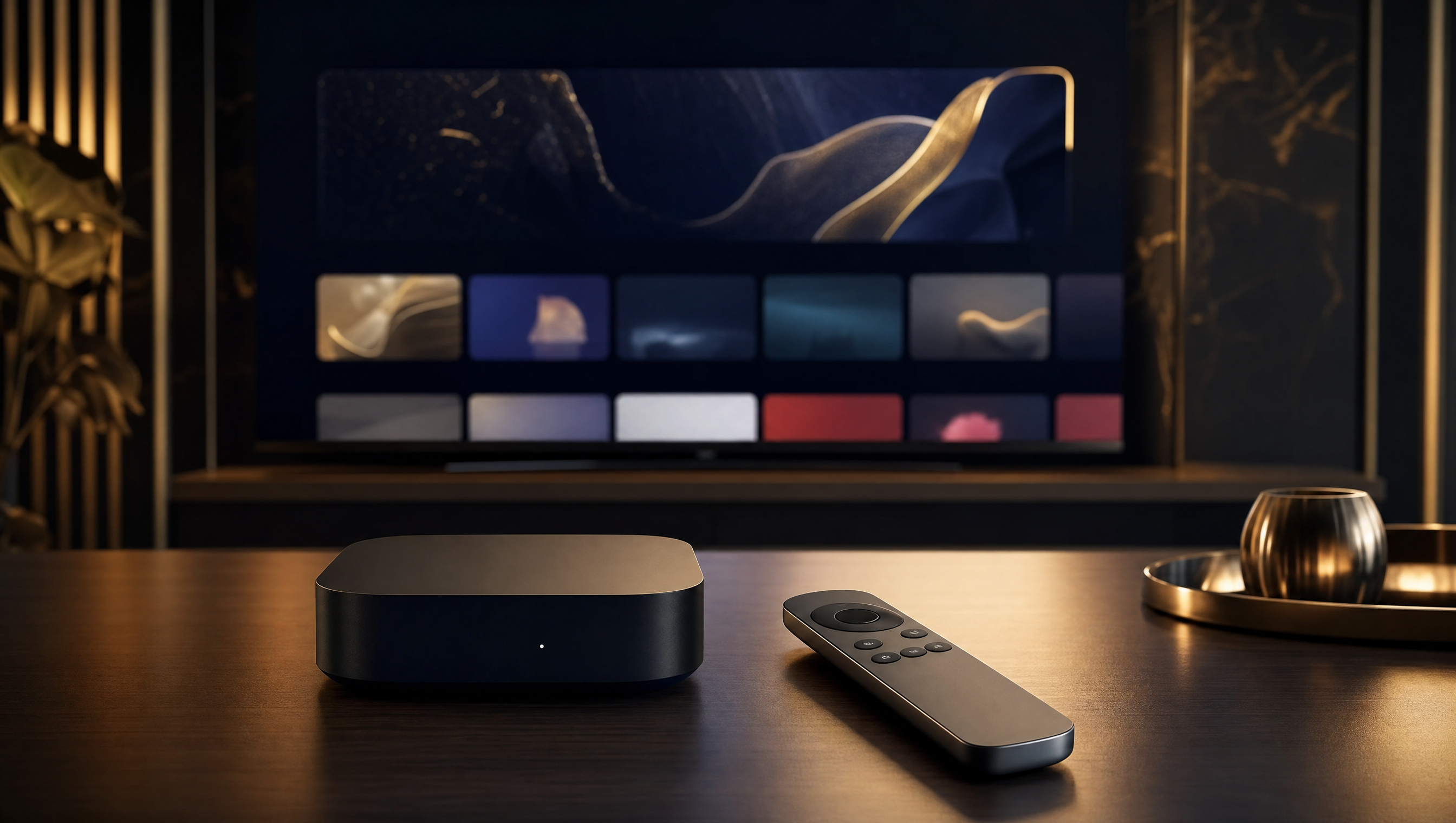
Install IPTV on Apple TV (tvOS 2026)
Set up Strong 8K on your Apple TV in minutes and enjoy buttery-smooth 4K streaming on tvOS.
Apple TV runs tvOS, which is wonderfully smooth and stable. Open the App Store, install IBO Player or IPTV Smarters Pro, then sign in with your Strong 8K Xtream Codes details by email (or activate IBO using its MAC address). You’ll be watching 40,000+ channels in crisp 4K straight away.
Apple TV is one of the most dependable streaming boxes you can own, and tvOS keeps everything fast, tidy and reliable. Because it pairs so well with Strong 8K, you get 40,000+ channels and genuine 4K with almost no fiddling.
You won’t find TiviMate on tvOS, but the App Store offers two excellent players: IBO Player and IPTV Smarters Pro. Both connect to Strong 8K using your Xtream Codes login, sent to you by email after you order from just £10.31 a month.
Step-by-step setup
Open the App Store
From the Apple TV home screen, launch the App Store using your remote and search for an IPTV player.
Install your player
Download either IBO Player or IPTV Smarters Pro. Both are free to install and work beautifully on tvOS.
Note your MAC and key (IBO only)
If you’ve chosen IBO Player, open it and jot down the MAC address and device key shown on screen for activation.
Add your Strong 8K details
Enter the Xtream Codes login emailed to you after ordering, or activate IBO using its MAC address through your account.
Start streaming in 4K
Load the channel list and pick anything you fancy. Strong 8K delivers all 40,000+ channels in sharp, stable 4K.
Our tips for Apple TV
- Apple TV is exceptionally stable, so playback stays smooth even on long viewing sessions.
- The IBO Player interface looks the same across every device, making it easy to switch between your TV and other gadgets.
- A wired Ethernet connection gives the most reliable 4K, though strong Wi-Fi works well too.
- Keep tvOS and your player updated to enjoy the best performance and newest features.
Our recommended players: our IBO Player guide (simple and stable) and our Hotplayer guide (free and lightweight), both compatible with your Strong 8K login.
Not sure this is the right player for you? Compare it with the others in our best IPTV player 2026 guide.
Apple TV — frequently asked questions
Ready to watch in 4K
Strong 8K turns your Apple TV into a slick 4K streaming hub. Order from £10.31 a month and start watching today.
Order my subscription →