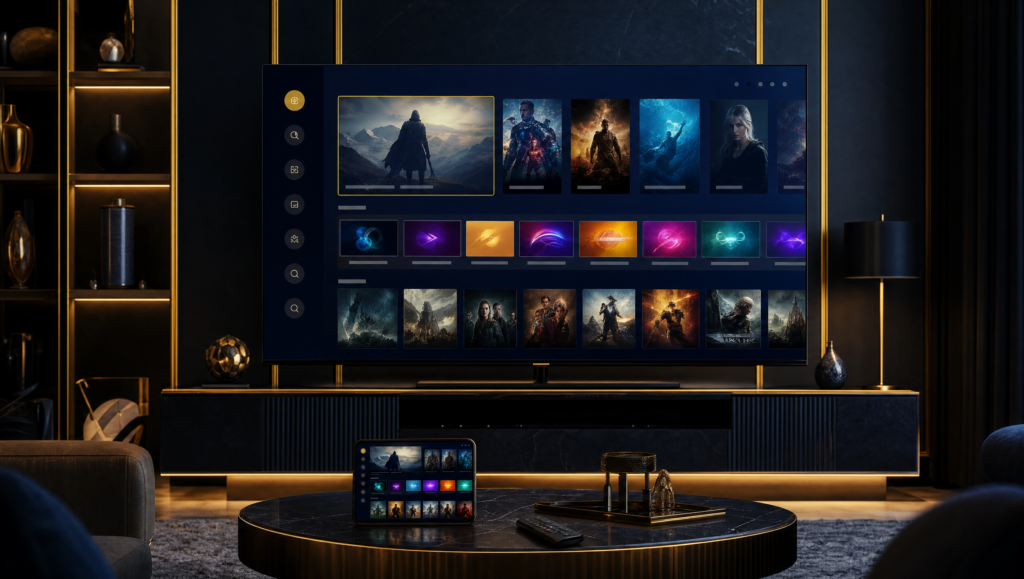
Install IPTV on LG Smart TV (2026)
Stream Strong 8K straight on your LG webOS telly, no extra box, no faff, in roughly ten minutes.
Your LG runs webOS, so simply open the LG Content Store and install IPTV Smarters Pro or IBO Player. Launch the app, pop in your Strong 8K Xtream Codes login by email (IBO uses your MAC), and you’ll be watching 40,000+ channels in crisp 4K within minutes. No sideloading or aerial required.
An LG Smart TV is one of the simplest places to enjoy Strong 8K, because webOS keeps everything tidy inside its own app store. There’s no need for a separate streaming stick or any complicated sideloading, which makes the whole process refreshingly painless even if you’ve never set up a streaming app before.
Below we’ll walk you through installing a player straight from the LG Content Store, signing in with your Strong 8K details, and getting smooth 4K playback. Whether you favour IPTV Smarters Pro or the reliable IBO Player, you’ll be up and running quickly and watching 40,000+ channels in no time at all.
Step-by-step setup
Open the LG Content Store
From your LG home bar, scroll to and select the LG Content Store. Use the search field to look up your chosen player by name.
Install your player
Search for IPTV Smarters Pro or IBO Player, then select Install. Wait for webOS to finish downloading and adding the app to your home row.
Launch the app
Open the newly installed player from your home bar. On first run it will ask you to add a playlist or sign in to your service.
Enter your Strong 8K details
In IPTV Smarters Pro, choose the Xtream Codes login and enter the username, password and server we email you. For IBO Player, register your device MAC address with us instead.
Confirm 4K and start watching
Open the channel list, pick a stream and check the picture quality. Adjust the player’s resolution to 4K if needed, then enjoy 40,000+ channels.
Our tips for LG Smart TV
- Connect your LG to the router by Ethernet cable for the steadiest 4K playback.
- IBO Player tends to run especially smoothly on webOS, so it’s a great fallback.
- Keep webOS and your player updated to the latest version for the best stability.
- Use the Xtream Codes login by email rather than an M3U link for quicker channel loading.
Our recommended players: our IBO Player guide (simple and stable) and our Hotplayer guide (free and lightweight), both compatible with your Strong 8K login.
Not sure this is the right player for you? Compare it with the others in our best IPTV player 2026 guide.
LG Smart TV — frequently asked questions
Ready to watch in 4K
Set up Strong 8K on your LG Smart TV today and enjoy 40,000+ channels in 4K from just £10.31 a month.
Order my subscription →